Free writing analyzer
ProWritingAid analyzes your writing using 25+ reports so you can craft the perfect message.
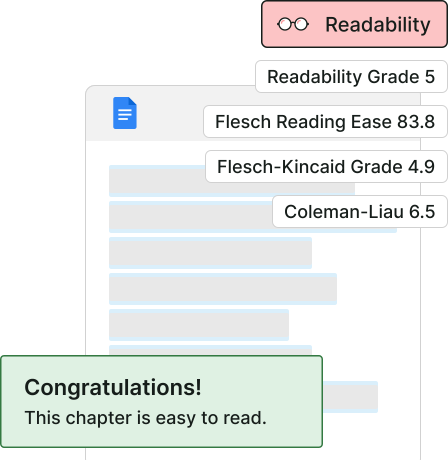
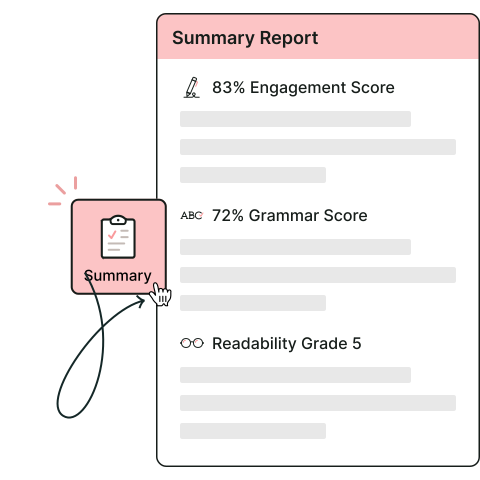
Analyze your writing in seconds
Get comprehensive feedback on all aspects of your writing with statistics, insights, and suggestions on how to improve.
Evaluate your writing
Assess your writing with 25+ reports, including established readability tests, sentence structure analysis, overused words, and more.
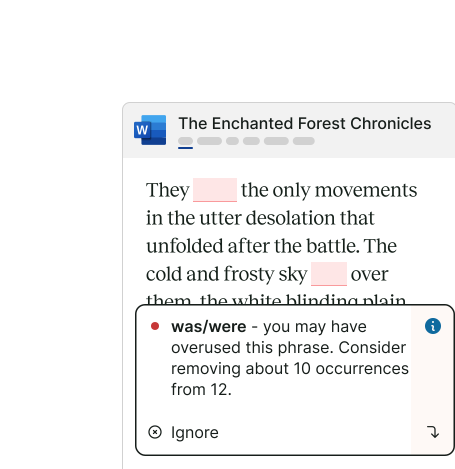
Fix grammar, spelling, and style
ProWritingAid underlines grammar, spelling, and style issues and offers real-time suggestions to correct them.
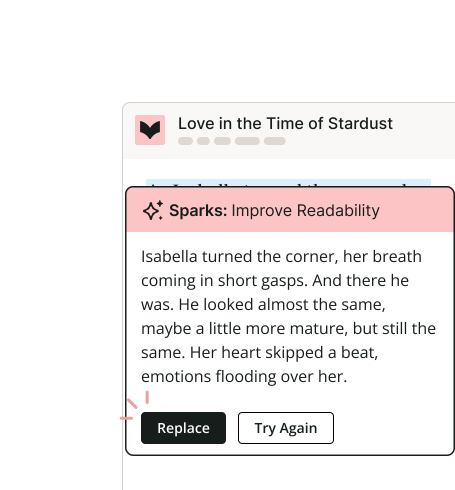
Enhance writing with AI
Instantly improve your writing with Sparks, a paraphrasing tool from ProWritingAid. Explore new options to reword your text.
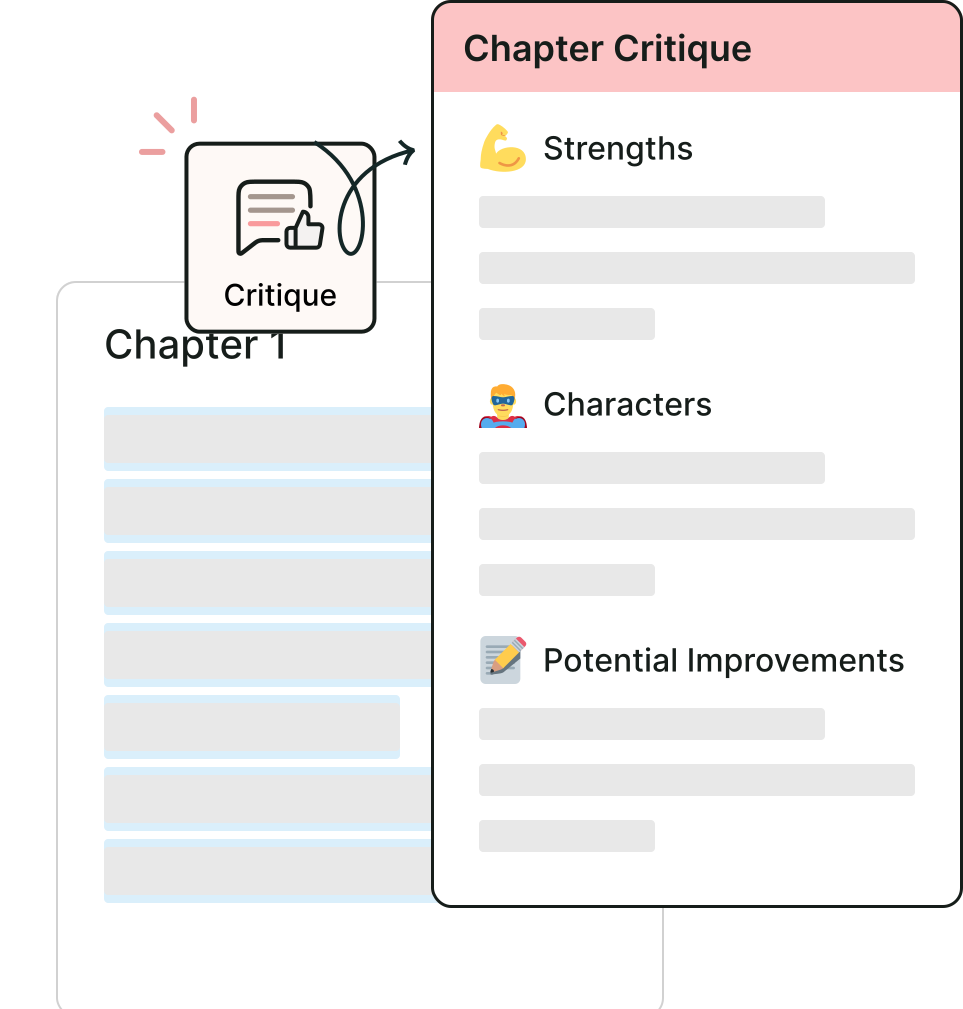
Get feedback on your story
Get custom feedback on your story's strengths, weaknesses, and areas to improve with ProWritingAid's Chapter Critique.
How to analyze your writing
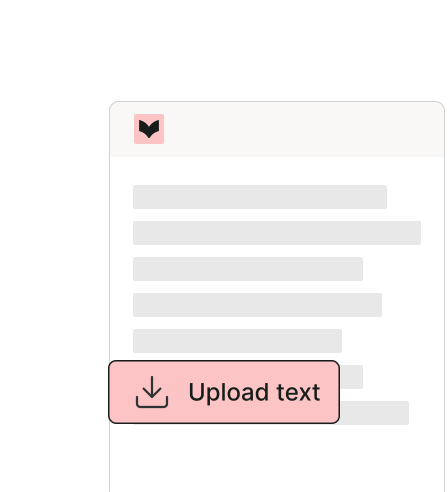
Add your text
Copy and paste your text directly into the tool.
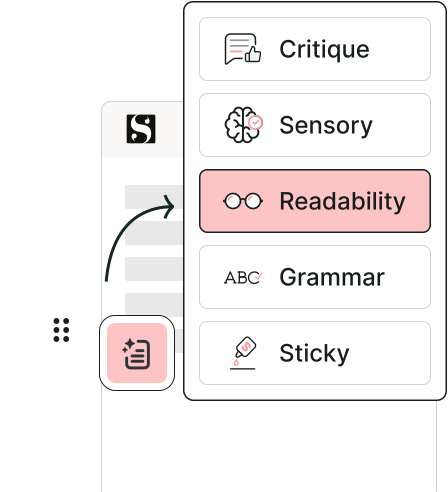
Choose a report
Click Edit in the right panel, scroll to Editing Reports, and select a report.
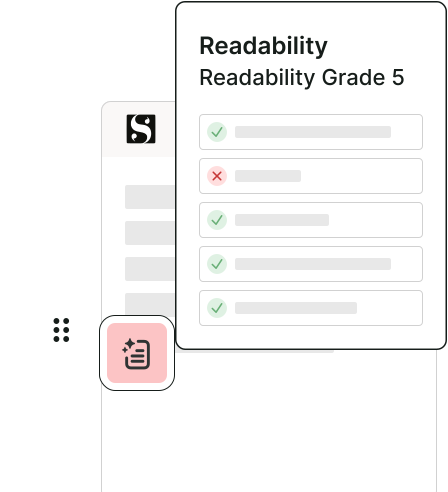
Review results
Get insights and analysis on areas that need improvement.
Writing Analyzer FAQs
What is ProWritingAid?
ProWritingAid is a digital toolkit that helps you craft your story and bring it to life.
ProWritingAid helps you unlock the full potential of your story by fixing grammatical errors, improving sentence clarity, and creating more engaging prose. Plus, it integrates with any writing app, so you can get support in whichever one you use.
It's like having an English teacher, professional editor, writing buddy, and honest critic sitting inside your favorite writing app.
Is ProWritingAid free?
A free account allows you to edit and run reports on up to 500 words. It also gives you three Sparks per day needed to enhance writing using AI. If you need more, upgrading is necessary. You can find more information on our pricing page.
How do I run reports with ProWritingAid?
You can run reports using the web editor or browser extensions.
In the web editor, click Edit at the top of the right panel, scroll down to Editing Reports, and choose a report to run.
With the browser extension, click the ProWritingAid icon on your screen, then click Edit in the right panel and select a report from the Editing Reports section.
What software integrations does ProWritingAid offer?
ProWritingAid works in all major writing apps, like MS Word, Google Docs, Scrivener, Atticus, Apple Notes, and more. To access ProWritingAid in a computer-based writing app, you must install Desktop Everywhere. If you're writing online, we offer browser extensions (Google Chrome, Firefox and Microsoft Edge). Click here to learn more.